Add-on: Automated rent increases (ECRI)
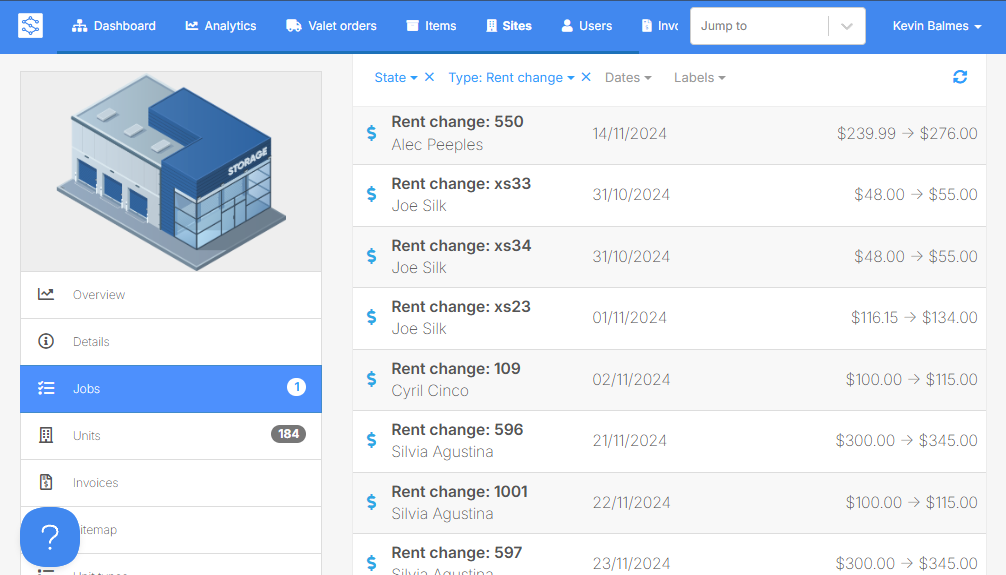
This Add-on automatically creates scheduled rent increases. For details on manually creating or cancelling any jobs, refer to this help document: Scheduling and cancelling a rent change.
How to set up the Add-on
Note: The demo below is interactive.
- Install the Add-on
- Reach out to Storeganise Support to request for the add-on to be installed.
- Deploying the Add-on
- Navigate to the site you want the Add-on installed
- Click on Add-ons then Automated rent increases
- Click on the pencil icon to configure the settings
- Configure the settings
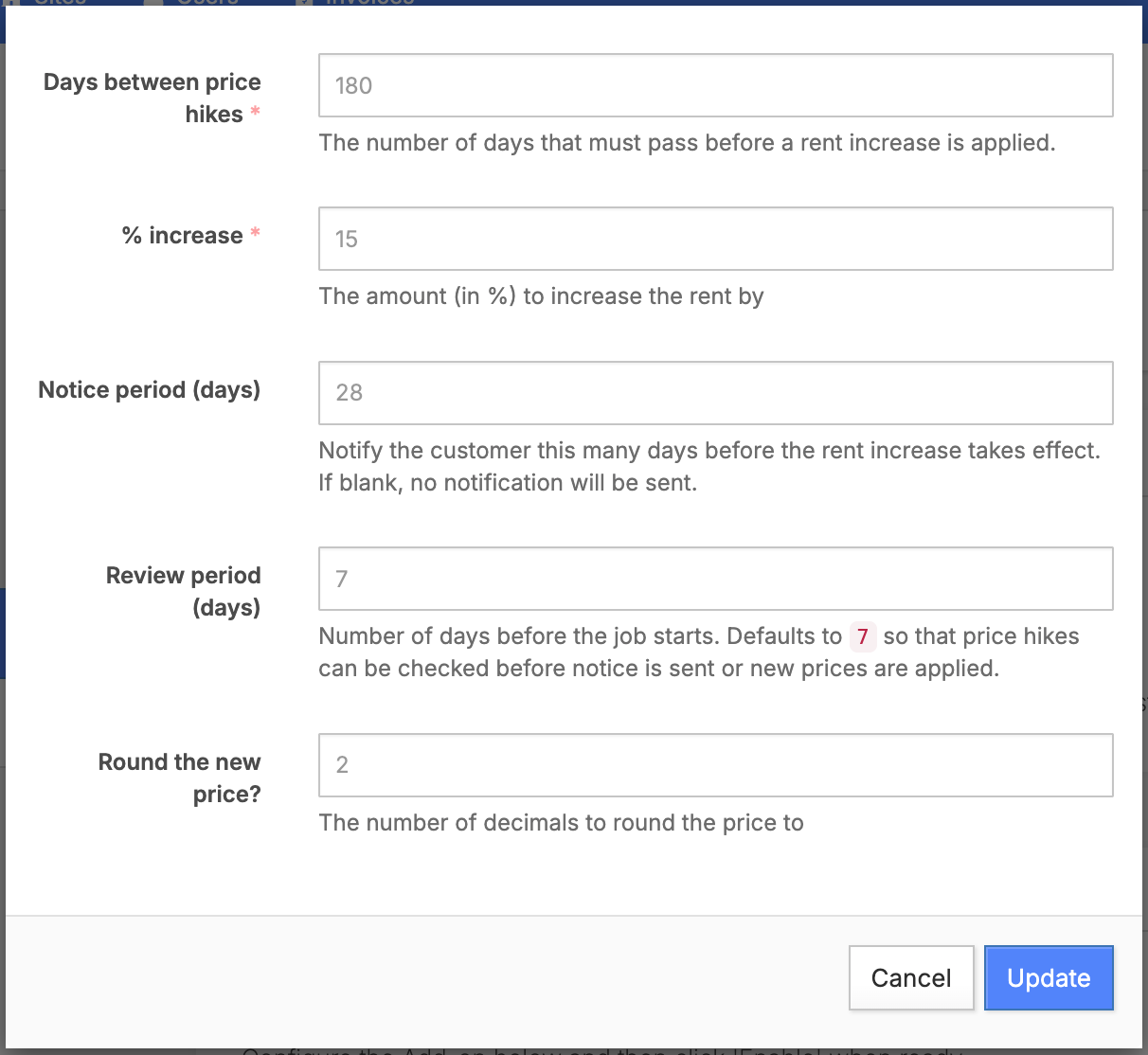
- Days between price hikes:Specify the number of days between each rent increase. (i.e 60 days or 90 days)
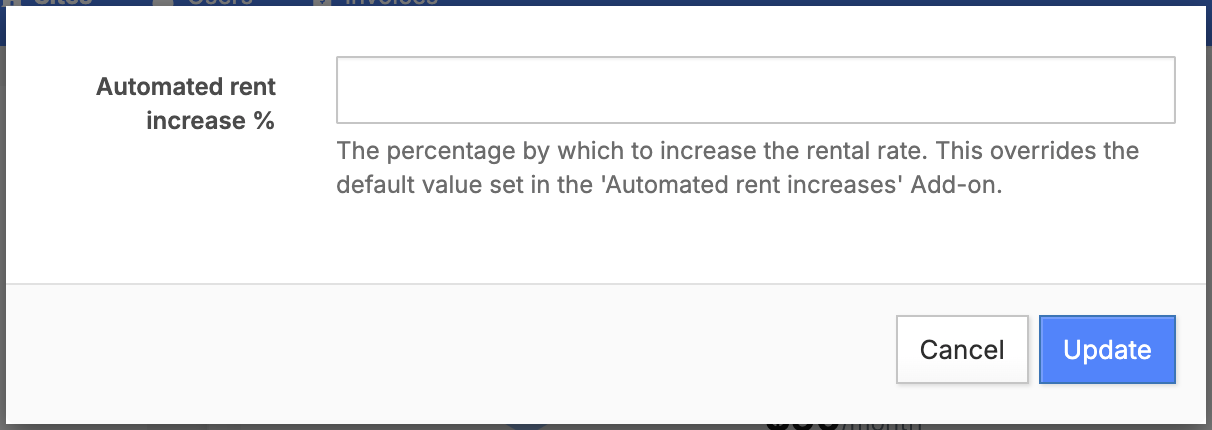
- Percentage increase:Set the percentage by which the rent will increase after each interval.This can be overridden per unit rental or per unit type by setting a custom value in the Automatic rent increase % custom field. Setting it to
0means that unit rental or unit type's rent will not be increased automatically.
- Notice period (days):Set how many days in advance the tenant will be notified of the upcoming price hike.
- Review period (days):How many days the system will wait between when a price hike is scheduled and the notice email is sent. If there's no notice period, then it goes straight to applying the price hike.
- Round the new price?:Number of decimals to round the price to.
- Click on update to save the changes
- Toggle the Enable switch to activate the Add-on
Ready to get started?
Send us your request and the Storeganise team will install the Automated rent increases (ECRI) Add-on for you.
Request installationJump to