How to view and manage jobs across all sites
You can access business-wide views in Storeganise to see information from all sites in one place. This is useful if you manage multiple sites and want to monitor and update data without switching between them.
One of the most useful business-wide views is the Jobs view, which lets you see all jobs and tasks across every site in your business. You can also access similar views for other resources like units, unit types, and unit rentals by changing the URL.
From here, you can filter, search, and update jobs just like you would in a site-specific view.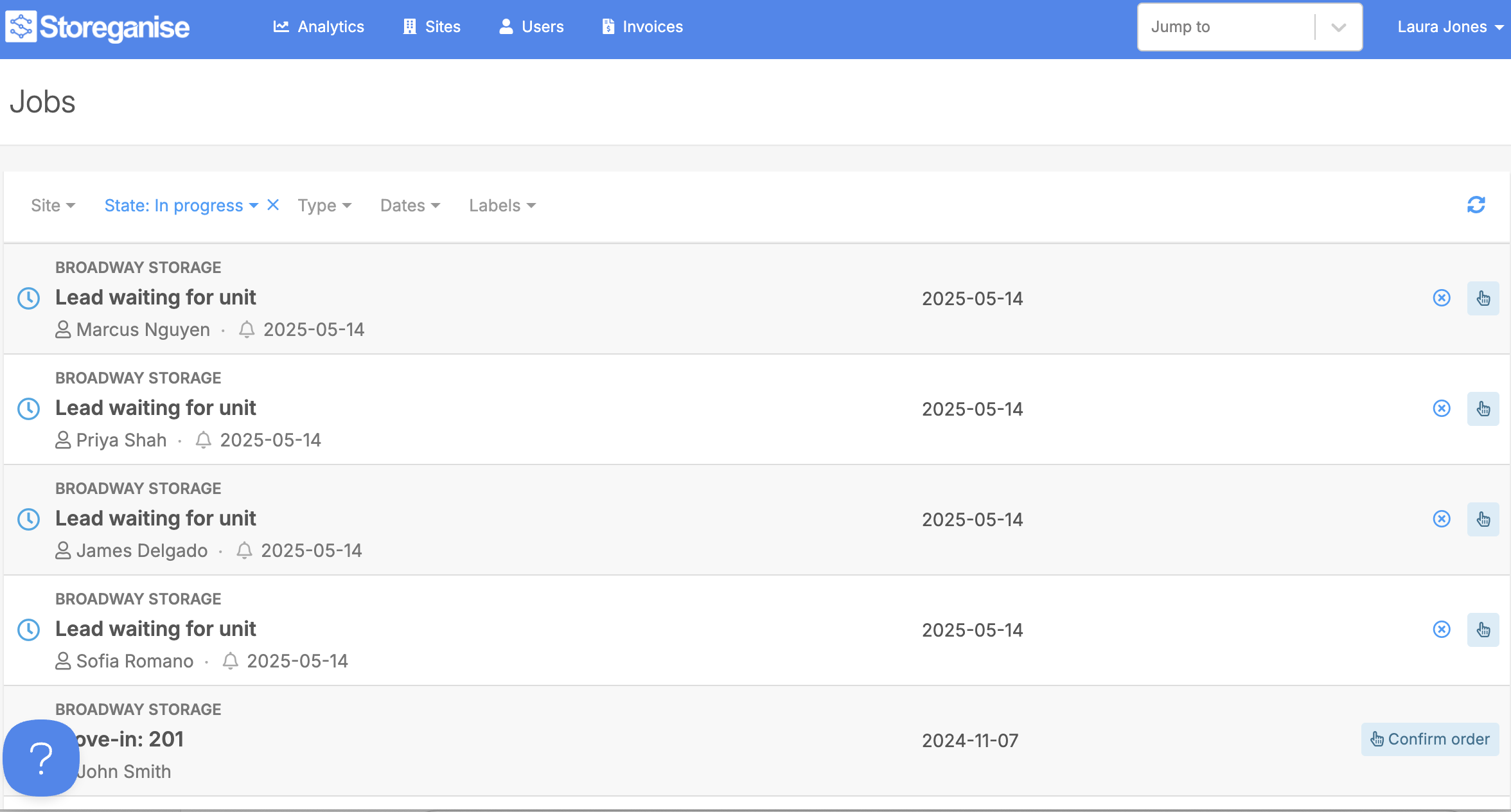
Using the business-wide Jobs view and other cross-site pages helps you stay organized and efficient, especially when managing operations across multiple locations.
Access the jobs business view
- Go to
yourbusinesscode.storeganise.com/admin/jobs(example: spaceup.storeganise.com/admin/jobs). - Review the list of jobs, which includes tasks from all sites including user tasks in your account.
Other business-wide views you can access
You can replace/jobs in the URL with the following to view other resources across all sites:/units— Shows all units across all sites./unit-types— Shows all unit types across all sites./unit-rentals— Shows all unit rentals across all sites.
Related articles
Managing unit move-in jobs
Tasks & reminders
An overview of Storeganise